
You have an idea. It makes perfect sense in your head.
Then you try to explain it in a document and halfway through the third paragraph you realize nobody is going to read this, let alone understand it.
Napkin fixes that.
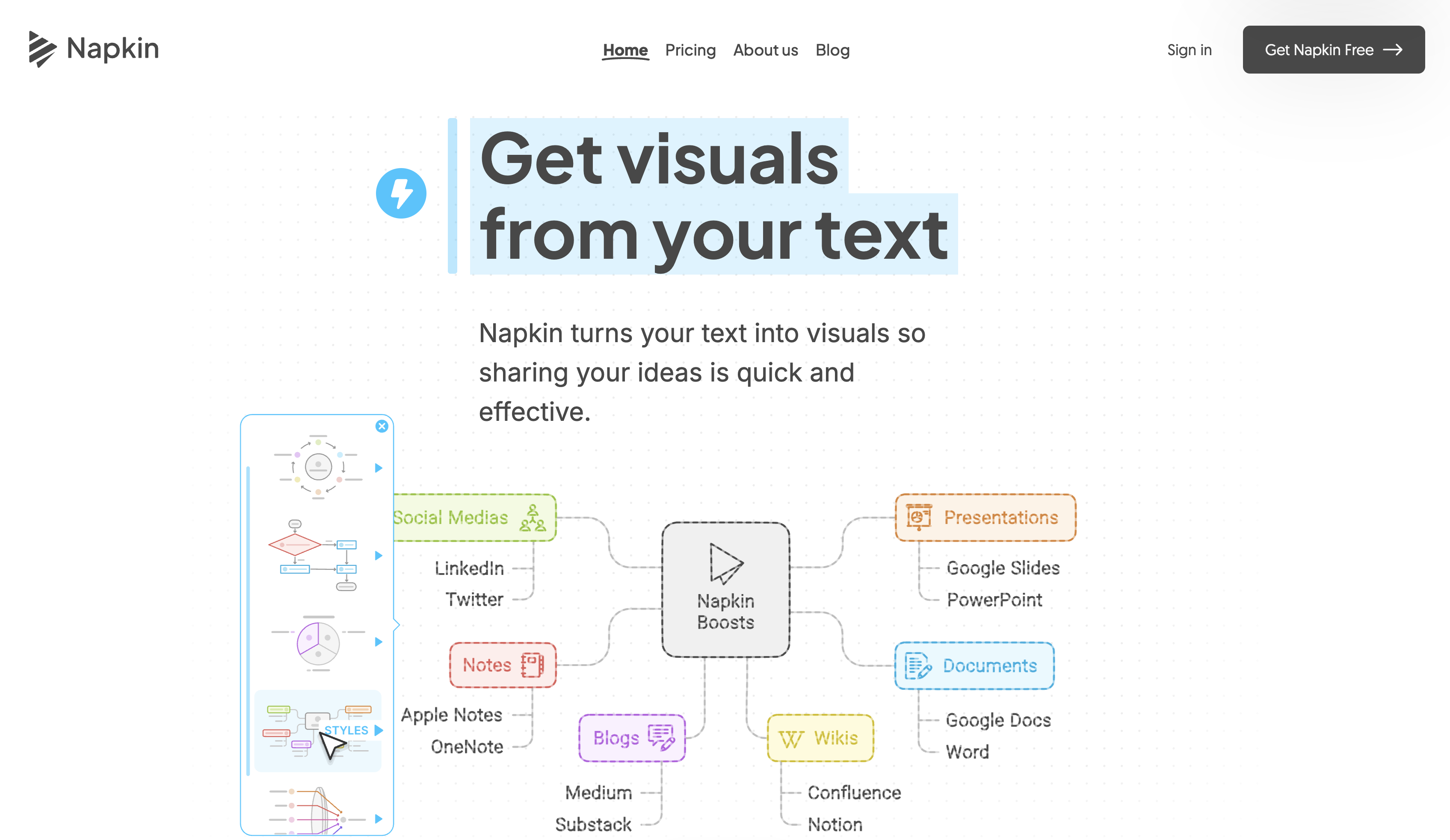
Paste your text into Napkin — a document, a paragraph, a bulleted list of ideas, anything — and it generates visuals directly from what you wrote. Flowcharts. Mind maps. Infographics. Process diagrams. Org charts. The kind of thing that makes a 500-word explanation obsolete in seconds.
No prompting required. You don't have to tell it what kind of visual to make or describe what you want. It reads the text and figures it out. You pick the version that best matches what you had in mind and adjust from there.
No design skills needed. No drawing. No wrestling with PowerPoint shapes for an hour. The whole point is that the work happens automatically so you can focus on the idea, not the diagram.
Export as PPT, PNG, PDF, or SVG. Drop it into a presentation, a blog post, a Notion doc, a LinkedIn article. Works in 60+ languages.
Free to start. The kind of tool where you paste something in just to see what it does and end up using it for everything.
Paste something in. See what it does.